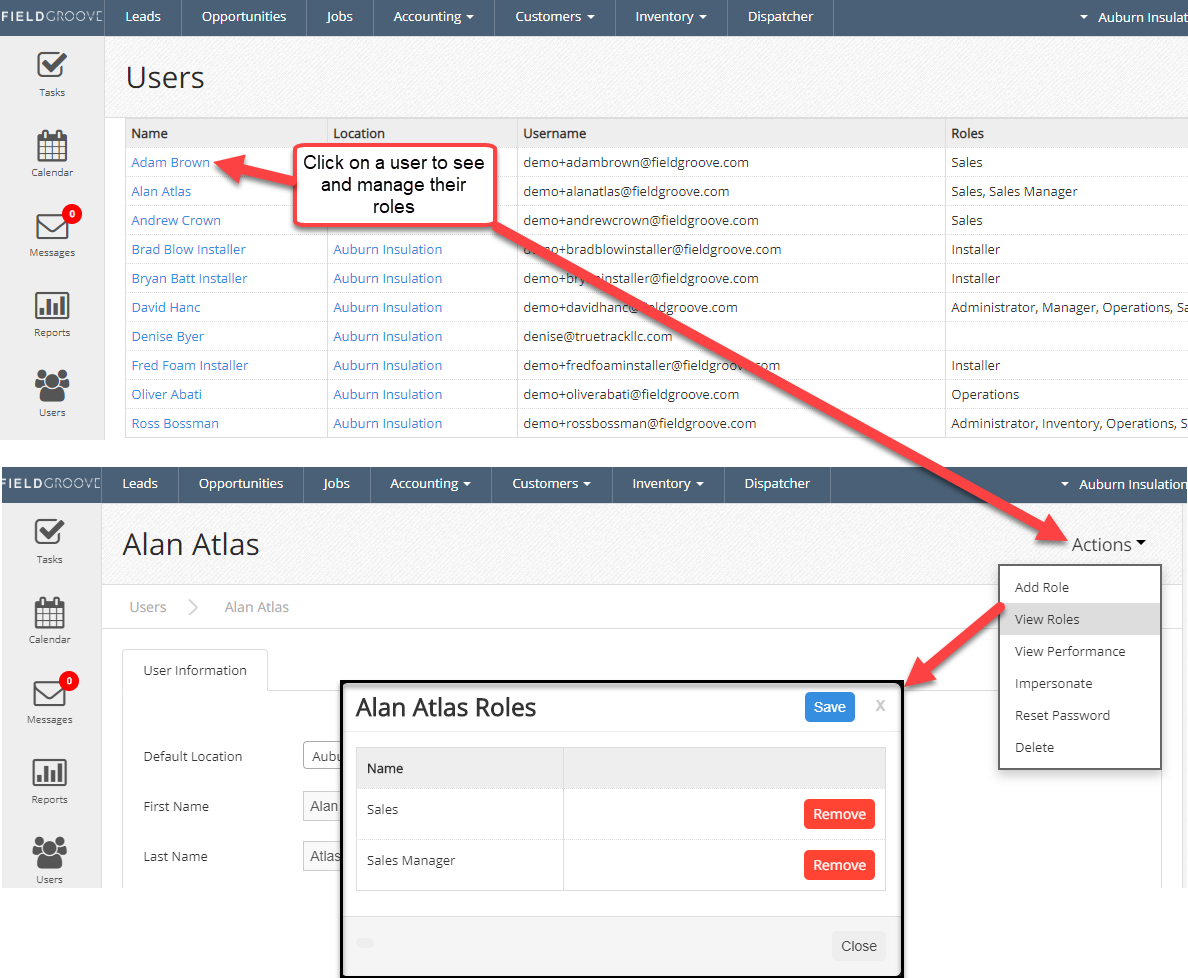
Key roles are defined here:
Administrator - can see everything and manage other users
Sales - Can only see and work with their own leads and opportunities
Sales Manager - can see their leads and opportunities as well as other sales staff with the "sales" role
Operations - can work with jobs and scheduling
Accounting - can work with inventory and invoicing
Inventory - can work with inventory
Installer - can only work with jobs. **NOTE** The installer role will REMOVE access to parts of the system, do not grant this to anyone with other roles.
See this chart for a full list of permissions.